How to pay for your chosen plan?
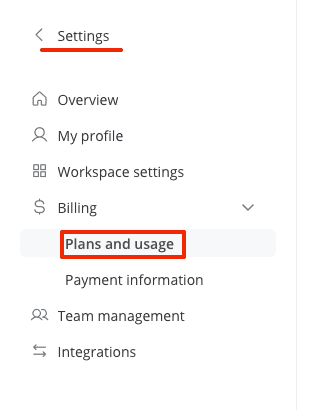
- Go to settings, then to the billing section, and click on the Plans & Usage tab.
- Click on the blue upgrade button under the plan you've chosen.

- Select the payment frequency - annual or monthly.

- Enter your card details. You can also save the card for future payments for add-ons.

- If you have a discount promo code, enter it below the card details field. After entering the promo code, the total amount will be recalculated.

- Click on the pay button at the bottom of the screen.
After this, payments will be deducted either monthly or annually, according to the chosen plan.